
How To Check The Pressure Sensor Connection
You can read the steps below to see how you can check the pressure sensor connection. If you want to print this guide to keep beside you while performing the actions, you can download this file.
How To Check The Pressure Sensor Connection
When Should You Check The Pressure Sensor Connection?
When the machine gives sensor error or 0 mbar.
Step 1
Open the machine.
Step 2
The pressure sensor is located in the machine next to the display or at the back,
Step 3
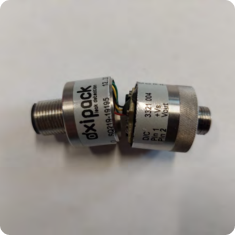
Old versions can be broken in two. If this is the case. Immediately replace it with the upgraded pressure sensor connector.
Step 4
Check if there is any pollution in the hole of the sensor and clean if necessary.
Step 5
Check if the cable is well connected to the connector. Push gently to secure it.
Step 6
Perform three empty test to see if it solved the problem. If not, replace the pressure sensor connector.
How To Replace The Pressure Sensor
Step 1
Order a new pressure sensor connector if needed by mailing Oxipack service.
Step 2
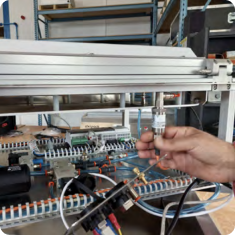
Disconnect the cable.
Step 3
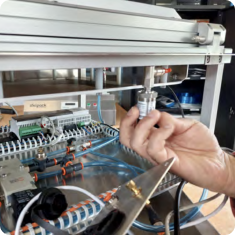
Screw off the old pressure sensor.
Step 4
Screw on the new pressure sensor and connect the cable.
Step 5
Perform three empty tests to check if it solved the problem, if not, contact Oxipack support.